
 then 'Add to home screen'
 then 'Add to home screen'

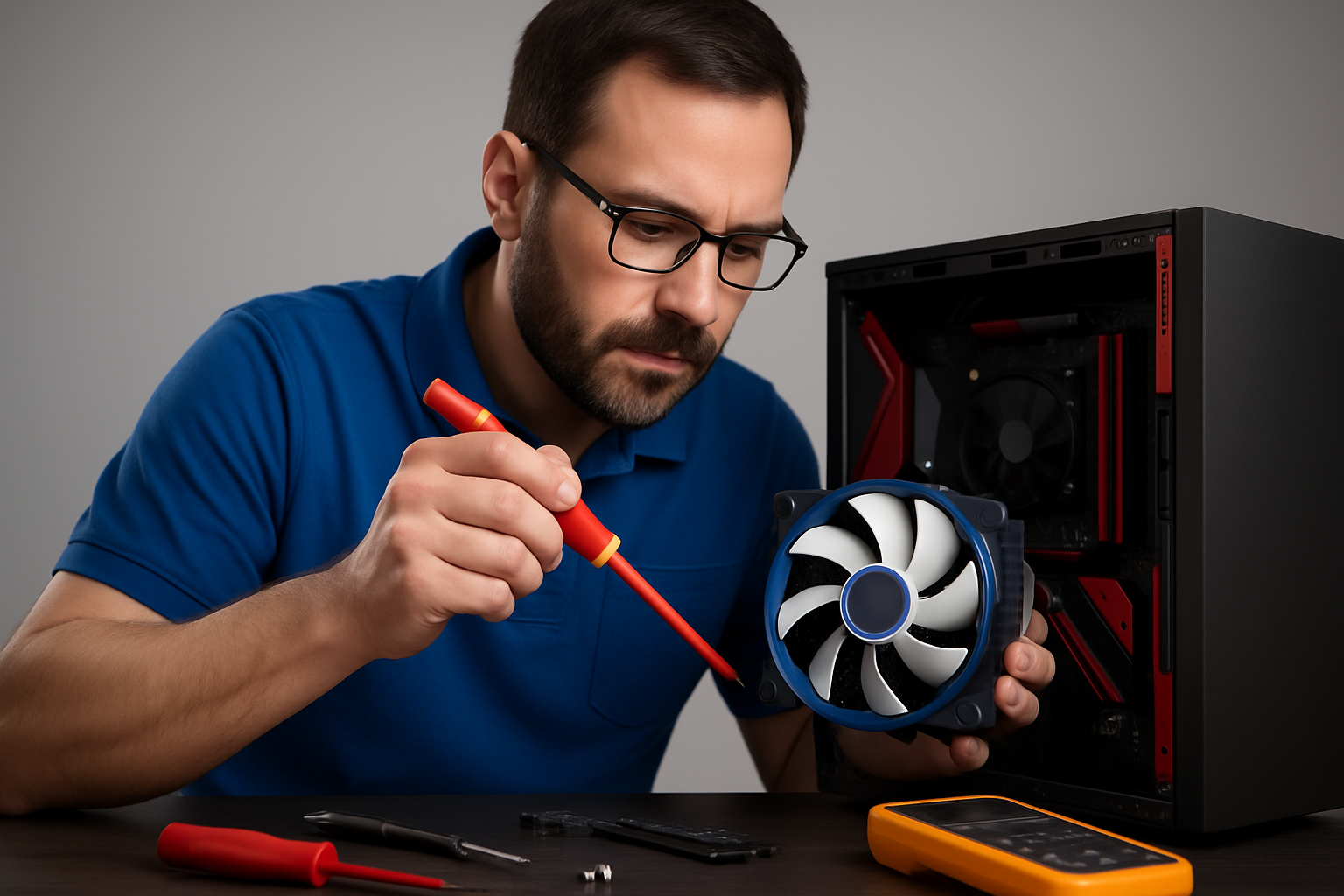
The Importance of Regular Computer Maintenance: Your Comprehensive Guide to Keeping Your Device Healthy
In our digital age, computers have become an integral part of our daily lives, whether for work, study, entertainment, or communication. With this increasing reliance, the importance of keeping these devices in optimal condition to ensure their continuity and efficiency becomes paramount. Just like a car needs regular maintenance to run smoothly, your computer also requires regular care to avoid potential problems and ensure maximum performance. In this comprehensive guide, we will discuss the importance of regular computer maintenance and the essential steps you can take to keep your device in excellent condition.
Why is Regular Maintenance Essential?
Many overlook the importance of regular computer maintenance, believing that the device will function efficiently as long as no obvious problems appear. However, neglecting maintenance can lead to a range of issues that affect the device’s performance and lifespan. Here are the main reasons why regular maintenance is crucial:
1. Improve Performance and Speed
Over time and with frequent use, temporary files accumulate, unnecessary startup programs run, and data becomes fragmented on the hard drive. All these factors lead to slow performance and deterioration of the device’s efficiency. Regular maintenance, such as cleaning temporary files and defragmenting the disk, helps restore the device’s original speed and efficiency.
2. Extend the Device’s Lifespan
Computer hardware components are affected by dust and excessive heat. Dust accumulation inside the device can hinder the operation of cooling fans, leading to increased temperatures of internal components like the processor and graphics card. Excessive heat is the number one enemy of electronic devices, as it can cause permanent damage to components. Regular cleaning of fans and vents ensures good airflow and maintains optimal temperatures, extending your device’s lifespan.
3. Enhance Security and Protection Against Malware
Cyber threats are constantly evolving, and malware and viruses are becoming more sophisticated. Regular maintenance includes updating antivirus software and the operating system regularly. These updates not only add new features but also patch security vulnerabilities that hackers can exploit. Maintaining a secure system protects your personal and financial data from unauthorized access.
4. Prevent Data Loss
Data loss can be catastrophic, whether it’s important work files, personal photos, or sensitive documents. Regular maintenance includes regular data backups. In the event of a sudden device failure or a virus attack, having a backup ensures that your data is safe and can be easily restored. This provides peace of mind and saves you the hassle of recreating files from scratch.
5. Reduce Repair Costs
Prevention is better than cure. Regular maintenance helps detect potential problems in their early stages before they escalate and require costly repairs. For example, detecting an early rise in processor temperature can lead to a simple solution like cleaning the fan, instead of needing to replace the entire processor if it gets damaged due to overheating.
Essential Steps for Regular Computer Maintenance
Now that we understand the importance of maintenance, let’s look at the practical steps you can take to keep your device healthy:
1. Clean the Device Internally and Externally
•External Cleaning: Use a soft, dry cloth to clean the screen, keyboard, and mouse. Special electronics wipes can also be used. To clean the keyboard between keys, use compressed air.
•Internal Cleaning: This step requires some caution. Disconnect the device from the power source. Use a can of compressed air to clean dust from cooling fans, vents, and inside the computer case (for desktops). If you are unsure, it is best to consult a specialized technician.
2. Update Operating System and Software
•Operating System Updates: Ensure your operating system (Windows, macOS, Linux) is constantly updated. Enable automatic updates to ensure you receive the latest security patches and features.
•Driver Updates: Regularly update device drivers (such as graphics card, sound card) from the manufacturers’ websites. This ensures optimal performance and compatibility.
•Software and Application Updates: Keep all installed software and applications on your device updated. Updates often include bug fixes and improvements in performance and security.
3. Hard Drive Management
•Disk Cleanup: Use the built-in disk cleanup tool in your operating system to delete temporary files, temporary internet files, and recycle bin files.
•Disk Defragmentation: (Specific to traditional HDDs) This process helps rearrange scattered data on the hard drive, improving file access speed. Solid-state drives (SSDs) do not need defragmentation.
•Storage Space Management: Review installed files and programs and delete what you don’t need. Move large files to external drives or cloud storage to free up space.
4. Scan and Remove Malware
•Antivirus Software: Make sure you have reliable antivirus software installed and updated regularly. Perform a full system scan periodically.
•Malware Removal Tools: Use additional tools like Malwarebytes to perform deep scans and detect and remove malware that might escape your primary antivirus software.
5.
•Regular Backups: Regularly back up your important data to an external drive, cloud storage service (such as Google Drive, Dropbox, OneDrive), or network-attached storage (NAS) device.
•3-2-1 Strategy: Keep three copies of your data, on two different media, and one copy off-site (in a secure location away from your main device).
6. Startup Programs Management
•Disable Unnecessary Startup Programs: Many programs automatically launch when your computer starts, slowing down the boot process and consuming system resources. Disable unnecessary programs from the Task Manager (in Windows) or system settings.
Conclusion
Regular computer maintenance is not just a technical task; it’s an investment in your device’s efficiency, lifespan, and data security. By following these simple and regular steps, you can ensure that your computer operates at maximum speed and efficiency, saving you time, money, and frustration in the long run. Make maintenance a part of your digital routine, and you will notice the difference in your device’s performance and peace of mind. Remember, a well-maintained computer is a happy and productive computer.

لا تعليق